 Scrollsequence
Scroll driven image sequence animations are one of the most powerful techniques for creating immersive, high-engagement web experiences. Unlike autoplay videos or traditional animations, these sequences respond directly to user scroll: playing forward, rewinding, and pausing naturally as visitors explore the page.
What was once a “holy grail” reserved for large brands with big development budgets is now far more accessible. In 2026, designers and developers have multiple practical ways to implement scroll-controlled image animations: from no-code WordPress tools to fully custom JavaScript solutions.
In this guide, we’ll explore:
- What scroll image animation really is
- How leading brands helped popularize it
- How to choose the right solution for your project
- Three modern approaches to building it
- Performance, SEO, and UX considerations
What Is Scroll-Driven Image Animation?
Scroll-driven image animation (also called scroll-controlled image sequences, or video scroll) is a technique where a series of images are displayed frame-by-frame as the user scrolls the page.
Instead of pressing “play” on a video, the visitor controls the animation with their scroll:
- Scroll down → animation moves forward
- Scroll up → animation rewinds
- Stop scrolling → animation pauses
This creates a strong sense of interactivity and makes storytelling, product reveals, and transitions feel deliberate rather than passive.
A Brief History of Scroll Image Sequences
Early scroll-based image animations required highly customized engineering and careful performance optimization. Only a small number of companies invested the resources necessary to make them work smoothly across devices.
Sony Be Moved
One of the earliest and most ambitious examples appeared in Sony’s Be Moved campaign (2014). Although the site is no longer live, recordings show how far ahead of its time it was, using scroll as a narrative device rather than a navigation tool. Watch a deconstruction from ihatetomatoes here.
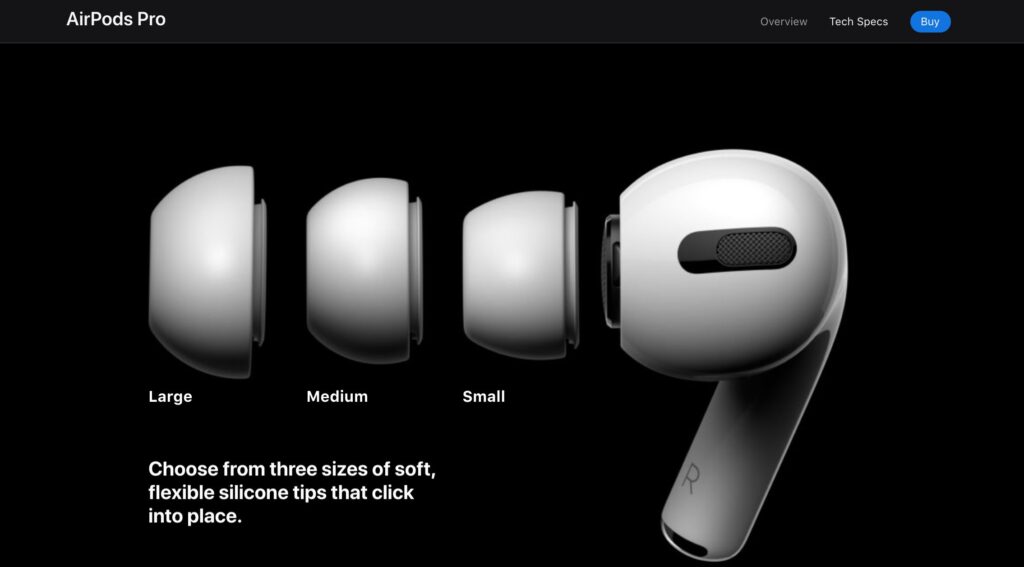
Apple Airpods Pro
Samsung Galaxy S21
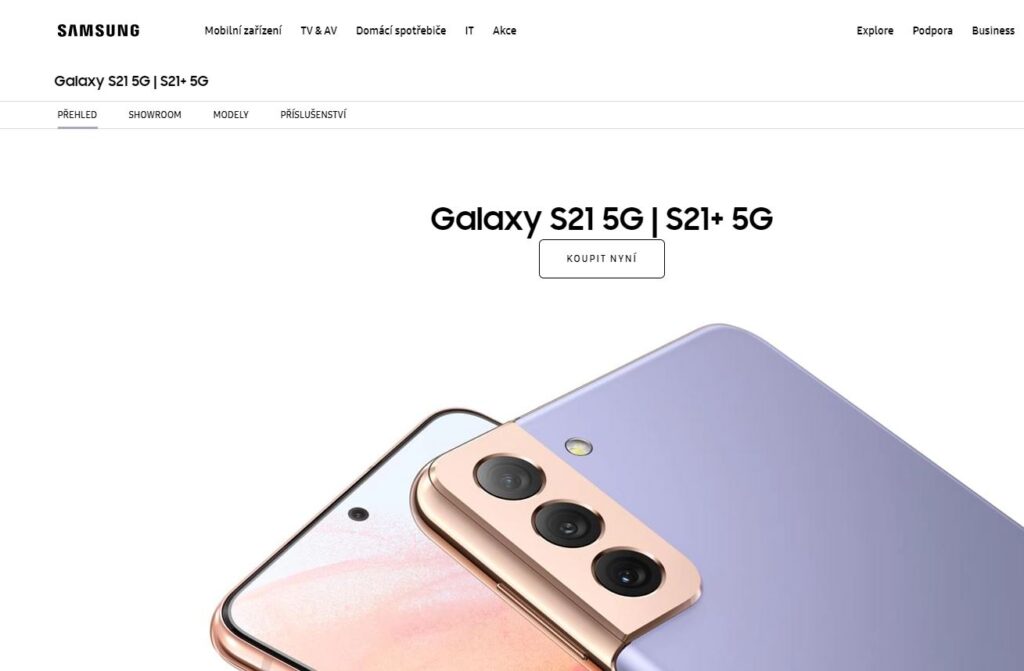
Samsung adopted a more minimal approach, using scroll animation sparingly to enhance interaction without overwhelming the user experience.
How Can You Create Scroll Image Animation Today?
In 2026, there are three realistic approaches to building scroll-driven image animations:
- Use a dedicated WordPress plugin
- Write a custom JavaScript solution
- Use modern JavaScript animation libraries
Each approach has different trade-offs in cost, complexity, performance, and flexibility.

Option 1: WordPress Plugin (The Easiest Path)
For most WordPress users, a purpose-built plugin is the fastest and safest way to implement scroll image animations.
A tool like Scrollsequence handles the most difficult parts for you:
- Image sequence management
- Scroll-to-frame mapping
- Content animation in synchronization
- Smart preloading strategies
- Responsive behaviour
- Performance optimization
Instead of writing code, you upload your image frames, configure scroll behavior, and focus on storytelling.
Why This Approach Works Well
- No JavaScript expertise required
- Predictable performance across devices
- SEO-friendly content layering
- Compatible with modern WordPress editors and page builders
For marketing sites, landing pages, portfolios, and product storytelling, this is usually the most efficient solution.
Option 2: Writing Your Own JavaScript
Custom JavaScript gives you maximum control and maximum responsibility.
Before writing code, there are several important decisions to make.
Video vs Image Sequence
- Video can be compact, but scrubbing smoothly in both directions is difficult and inconsistent across devices.
- Image sequences are simpler and more predictable, but require careful optimization to avoid large payloads.
In practice, image sequences remain the most reliable choice for scroll-controlled playback.
Which HTML Element to Use?
HTML5 give you a number of ways how to dynamically display images in rapid succession to achieve animation effect.
<img>
Changing the src attribute on scroll is simple, but decoding and repainting can cause visual artifacts if not handled carefully. Modern decoding techniques help, but this approach is still limited. See this example on css-tricks.com
<video>
Using video can work in specific cases, but backward scrubbing and frame accurate control remain problematic. While it may work on one device, or browser, others may struggle due to the codec or video encoding. See example from GSAP forum or a video from Nicolai.
<canvas>
The <canvas> element remains the most powerful and performance oriented option. It allows you to draw images or video frames directly and gives you full control over rendering – at the cost of significantly higher complexity.
Here is a neat working codepen on Image Sequence Animation on Scroll
Performance Considerations (Critical)
Scroll animations live directly on the main thread, so efficiency is non-negotiable.
The most expensive operation is image decoding.
Decoding is necessary operation that takes compressed .jpg or .png and decode it to a bitmap. To efficiently decode the images there are several approaches, but not all are compatible with most browsers. See image.decode(), createImageBitmap, JS web worker and offscreen canvas for reference.
Key principles:
- Use
requestAnimationFramefor rendering - Avoid drawing the same frame multiple times
- Pre-calculate values wherever possible
- Use passive scroll listeners
- Decode images strategically to avoid blocking
Modern APIs like createImageBitmap() and background decoding can help, but browser support and memory usage must be handled carefully.
Responsiveness and Resize Handling
Scroll animations must adapt gracefully across:
- Desktop
- Tablets
- Mobile devices
If you’re using <canvas>, resizing requires manual recalculation and redraws. Resize events should always be throttled or debounced — especially on mobile, where viewport changes can trigger frequent layout shifts.
Core Web Vitals & Scroll Animations
Scroll animations must respect Core Web Vitals:
- LCP (Largest Contentful Paint):
The first frame or fallback image should load quickly. - CLS (Cumulative Layout Shift):
Animations must not shift layout unexpectedly. - INP (Interaction to Next Paint):
Scroll handlers must remain lightweight and responsive.
SEO Considerations
Modern search engines can execute JavaScript, but indexing still happens in stages.
Best practices:
- Ensure meaningful content exists in the HTML
- Do not hide critical text behind JavaScript-only rendering
- Use animations as enhancement, not replacement
- Provide sensible fallbacks for non-JavaScript environments
Scroll-driven visuals should support your message, not replace it.
Image Preloading & Optimization
Image sequences can involve dozens or hundreds of frames, so image optimization matters:
- Compress images aggressively
- Load only what’s necessary upfront
- Defer non-critical frames
- Use responsive image sizing
Poor image handling will directly impact performance metrics and user experience.
To learn more, read our article about Bulk Image Optimisation.
Cross-Device Compatibility
Every browser and device handles scrolling differently. Touch input, momentum scrolling, and CPU limitations vary widely.
A production-ready solution must be tested on:
- Mobile Safari
- Chrome (desktop and mobile)
- Firefox – Especially tricky, because there are constant viewport height changes during up and down scrolling and associated showing/hiding of the address bar
- Edge
This is one of the most underestimated challenges of custom implementations.
Option 3: JavaScript Animation Libraries
GSAP + ScrollTrigger
GSAP remains the gold standard for high-performance web animation. Its ScrollTrigger plugin has effectively replaced older scroll-based libraries and provides:
- Scroll-linked timelines
- Scrubbing
- Pinning
- Optimized performance
For teams with JavaScript expertise, this is the most robust “middle ground” between plugins and bespoke engines.
- Creating Awesome UI’s that Animate Only On Scroll (youtube video using GSAP)
- CodePen Demo (AirPods)
Legacy Tools
Older tools like ScrollMagic or jQuery-based sequencers are now largely legacy solutions. While tutorials still exist, modern projects should favor actively maintained libraries.
- Image Sequence Example (ScrollMagic)
- Apple Airpod Pro Javascript Animation Tutorial (Youtube video from DevEd)
- Animated Video Scroll Render for Web with Bodymovin & ScrollMagic JS (Medium)
Choosing the Right Approach
- Use a plugin if you want speed, reliability, and simplicity
- Use GSAP if you need flexibility and have development resources
- Write custom code only if you require full control and can invest in long-term maintenance
Most projects benefit from choosing the simplest solution that meets their requirements.
Closing Words
Scroll-driven image animations remain one of the most effective ways to create immersive, memorable web experiences. What once required large budgets and custom engineering is now achievable with modern tools and well-established best practices.
If you’re working in WordPress and want a streamlined workflow, a dedicated solution like Scrollsequence offers the fastest path from idea to production. For more advanced needs, GSAP or custom JavaScript implementations provide flexibility at a cost.
Whichever path you choose, the key is balance: performance, accessibility, and storytelling should always come first.
One reply on “Video Scroll in WordPress: The Complete Guide (2026)”
[…] can also check out how Sony, Apple and other big tech companies leverage scroll animation on product […]